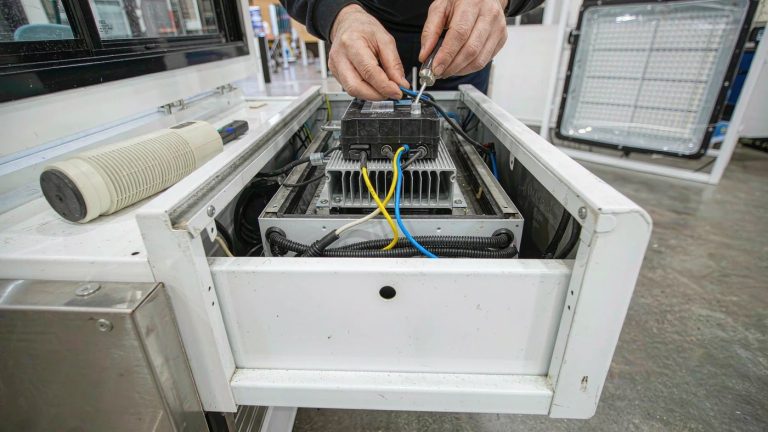
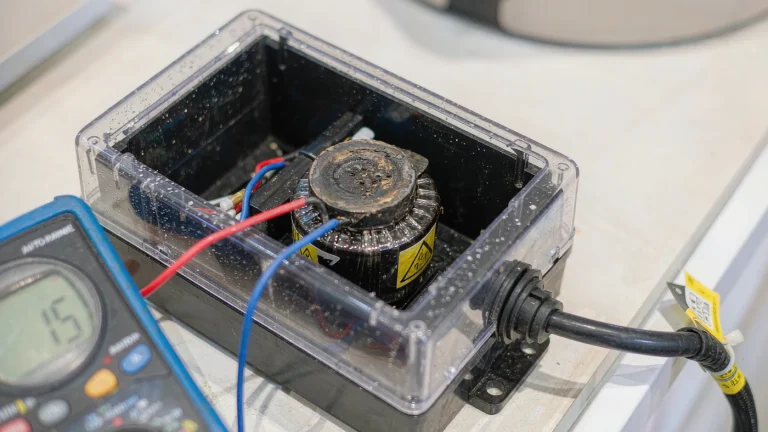
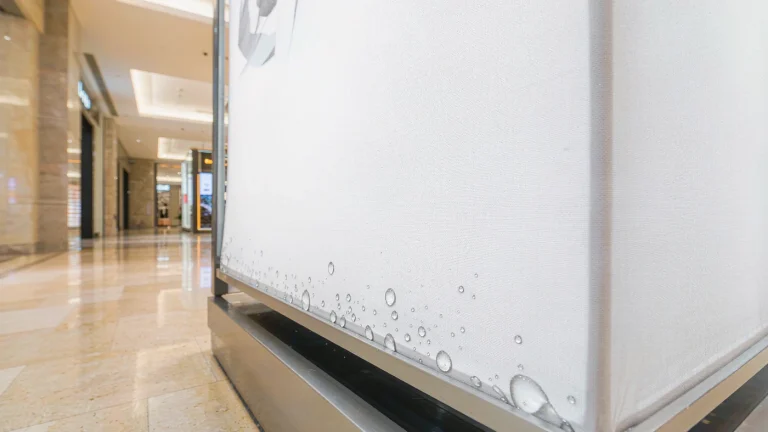
Yes, you can replace a lightbox LED strip with a different brand if it’s compatible with the existing driver, controls, and lightbox assembly. A matching voltage and plug are not enough. Before ordering, compare the original part number and driver output label with the replacement datasheet. If you can’t verify the ratings or the part requires rewiring, ask the lightbox manufacturer for a specified replacement or an approved alternative.
This guide covers fabric SEG and similar LED lightbox displays. Use it to check parts before buying, not as a wiring guide. Leave internal electrical inspection and installation to qualified personnel working under local rules. [1]
What to check before switching LED strip brands
Driver type and output rating
Read the driver’s output label, not its mains input rating. A constant-voltage lightbox driver requires a strip rated for the same output voltage. For a constant-current system, have the supplier or technician confirm the specified current and that the LED load’s operating voltage falls within the driver’s output range. If a listing only says “24 V compatible,” ask for the full electrical specification before buying.
Power, current, and heat
For a constant-voltage system, compare the total load with the driver’s allowable output and have the technician check the current ratings of leads and connectors. If the strip is rated in watts per metre, use the total installed length. Check the manufacturer’s limits for mounting, ventilation, and operating temperature; a strip can fit the channel without being suitable for an enclosed frame.
Illustrative example: Four runs on a 24 V constant-voltage system, each rated at 2 A, draw 48 W per run and 192 W total. That’s 80% of a 240 W driver’s nominal output. At 2.5 A per run, the same setup would draw 240 W, leaving no margin against that nominal rating. Neither figure establishes compatibility. Use the limits specified for your driver and installation rather than treating 80% as a rule or assuming a larger driver will solve the problem.
Dimming and controls
If you dim your SEG lightbox, confirm that the strip, driver, and controller are compatible as a set. A remote tells you how the box is controlled, not what dimming method it uses. After a qualified installer fits the replacement, sweep the normal brightness range and check the lowest setting. If you film the display, check for camera flicker at the recording settings you plan to use.
Color and brightness across the graphic
Match the specified color temperature for the backlit fabric graphic, then compare brightness and the way the light spreads. The U.S. Department of Energy notes that correlated color temperature (CCT) only partially describes the color of the light. [2] A single new strip can still show up as a bright band or a tint shift. If a sample stands out behind the installed graphic, ask for a matched set for that face. For a multi-panel backwall display, check the neighboring panels too.
Fit, connectors, and polarity
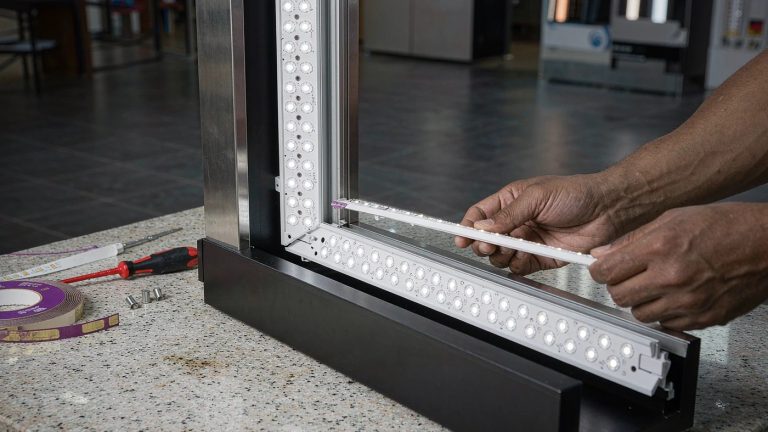
Compare the strip width, thickness, mounting method, LED spacing, and usable length against the original. Ask the supplier to confirm the connector pinout, including polarity, from the documentation. Plugs that mate are not proof that their pins are wired alike. If the part needs cutting, splicing, or an adapter that the lightbox manufacturer doesn’t specify, don’t treat it as a drop-in replacement.
Listing, warranty, and venue requirements
Check whether the lightbox’s service instructions permit the substitute. A certification mark on the replacement strip does not tell you whether the modified lightbox is covered. In U.S. workplaces, OSHA requires listed or labeled equipment to be installed and used in accordance with instructions included in its listing or labeling. [3] If the box is under warranty or the venue requests documentation, ask what approval or paperwork is needed before placing the order.
For equipment on the EU market, the Low Voltage Directive’s voltage scope is 50–1,000 V AC and 75–1,500 V DC, subject to its exclusions. A 24 V DC strip is below that range on its own; that says nothing about the status of the mains-powered driver or the complete lightbox. [4]
Replacement strip checklist
| What you find | What to do before buying |
|---|---|
| The voltage and plug match, but the load or pinout is missing | Ask for the datasheet and connector documentation. Hold the order until both are confirmed. |
| One run is dark but the others still light | Have the technician check whether the fault is in the strip, connector, or driver before ordering a part. |
| The strip has no readable part number | Send the lightbox model and serial number, if available, to the manufacturer. Ask for the service part number rather than shopping by frame size. |
| A verified sample looks different behind the fabric | Ask for a matched set for the visible face and record the batch code if the supplier provides one. |
How to check a replacement before show day
Suppose a white graphic on a SEG backwall has a dark band. Photograph the band with the graphic fitted, then note whether it’s there at startup or appears only after the box warms up. Send those observations along with the model label and any safely accessible part labels. If a label is behind an electrical cover, ask the technician to record it. A lightbox check before replacing the LEDs helps you avoid ordering a strip for a fault elsewhere.
Once the replacement is installed, view the graphic from the aisle, then compare it with any adjacent panel under the same lighting. If the display must run for a long show day, plan a supervised run within its rated operating limits. If it dims unexpectedly or shuts off after warming up, stop using it and have it checked before the event. Keep the replacement part number and any written approval with the display’s manual.
Do you need a new LED driver too?
Not if the existing driver is sound and compatible with the replacement load and controls. If the proposed strip needs a different driver type or dimming setup, ask for a manufacturer-approved strip-and-driver combination instead of buying the two parts separately.
Need help identifying a replacement? Send the lightbox model and any safely accessible strip and driver labels.
Send a Project Inquiry