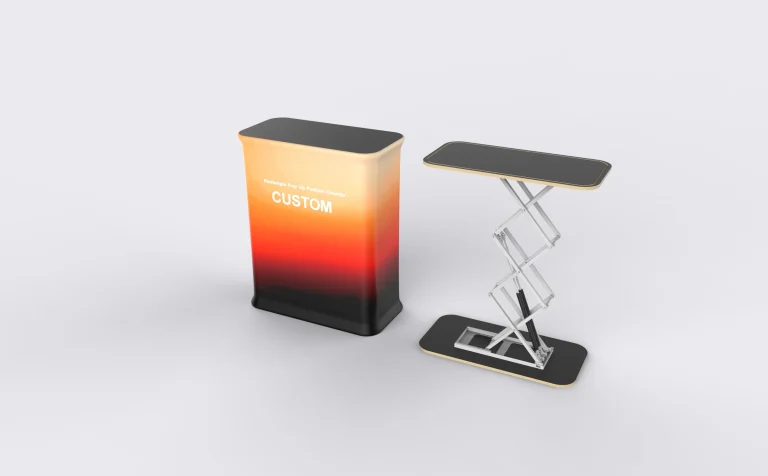
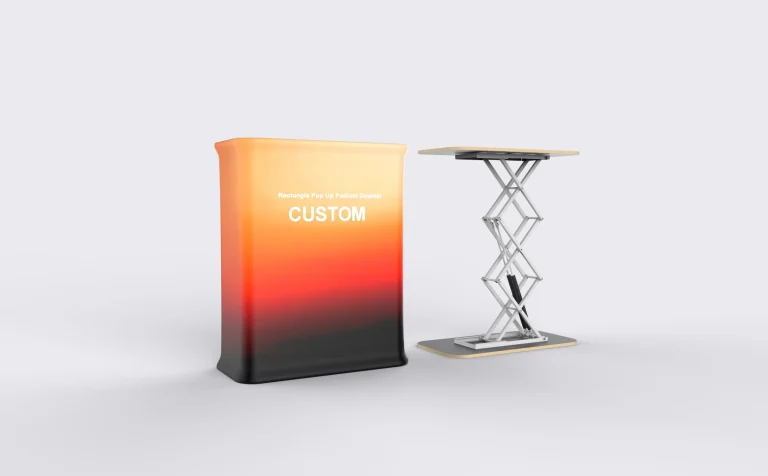
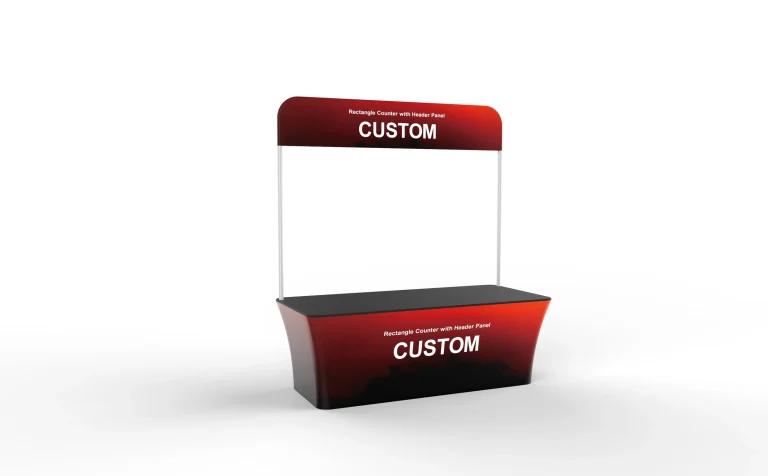
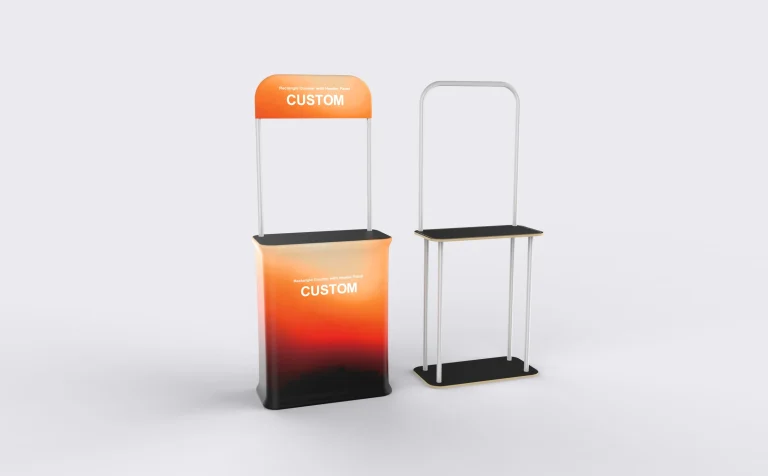
Counters & Furniture

Complete your event setup with branded counters, tables, and fabric covers.

All Counters & Furniture

Discover our complete collection of professional counters & furniture displays

Counters & Furniture · Planning guide

Trade Show Counters: Compare the Working Side, Not Just the Shape

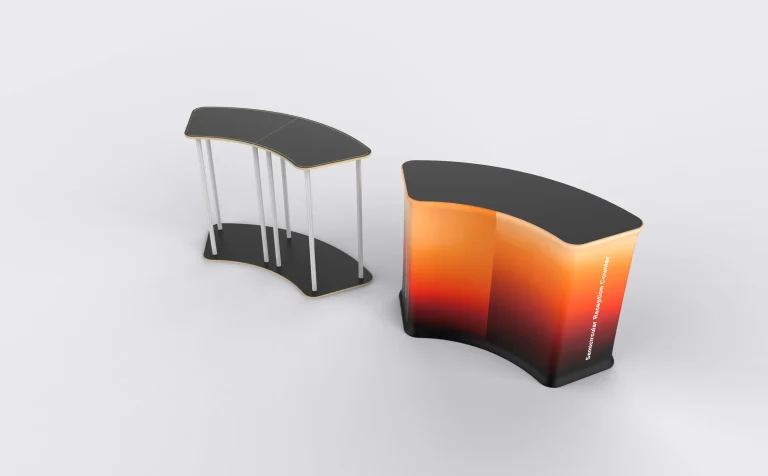
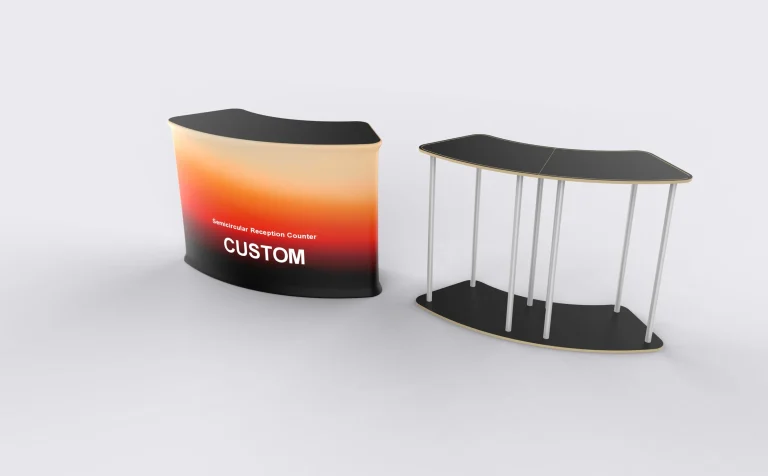
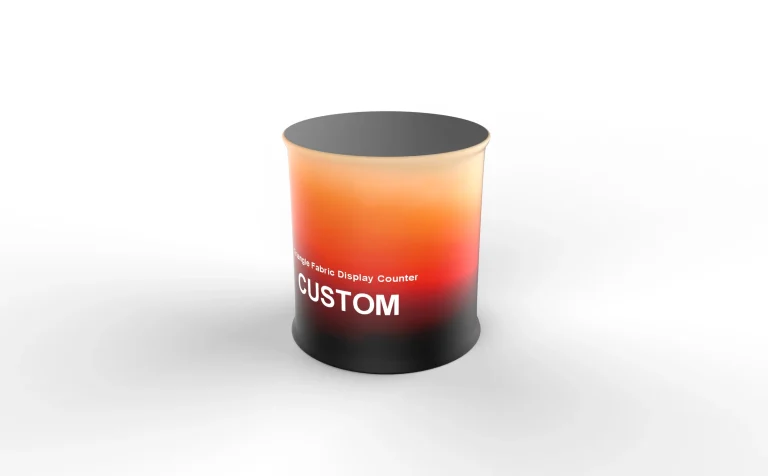
The Semi-Circle Fabric Reception Counter and Rectangular Counter with Shelves solve different booth tasks. The semicircular model creates a curved welcome point with a defined open side; the rectangular model combines a straight worktop with additional display or storage levels. Choose between them by tracing where the visitor stands, where staff work and how supplies are reached.

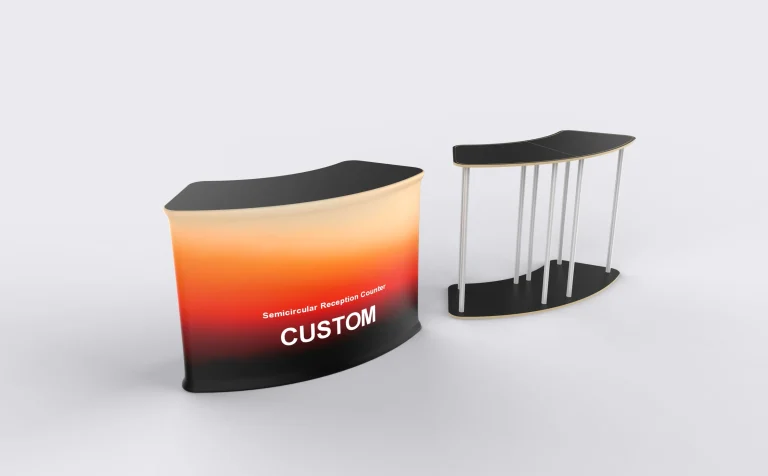
Semi-Circle Fabric Reception Counter
01 / Reception

Curved welcome point

Compare the Semi-Circle Fabric Reception Counter when planning a visitor-facing reception position.

View Semi-Circle Fabric Reception Counter

Semi-circle counter: plan the open side first

For the Semi-Circle Fabric Reception Counter, measure the straight-side width and the projection of the curved front. Put the staff position on the plan before rotating the counter toward an aisle. The product description distinguishes this arrangement from a full round counter: do not assume identical rear construction or storage access. Keep the principal logo on the broad curved face and away from the ends, where it becomes harder to read from the front.

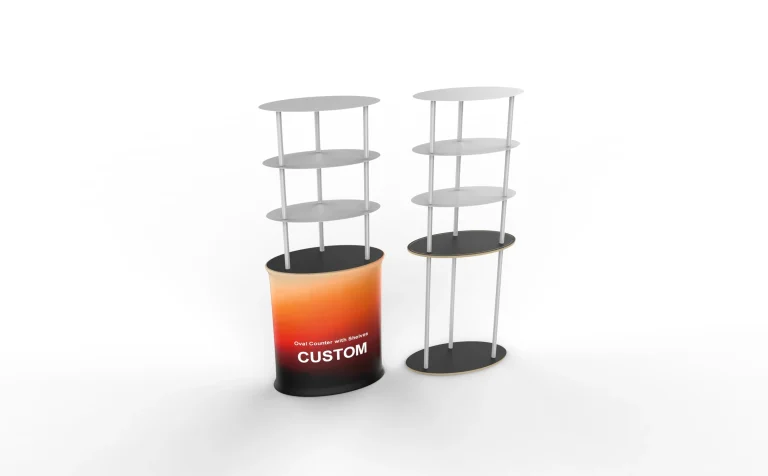
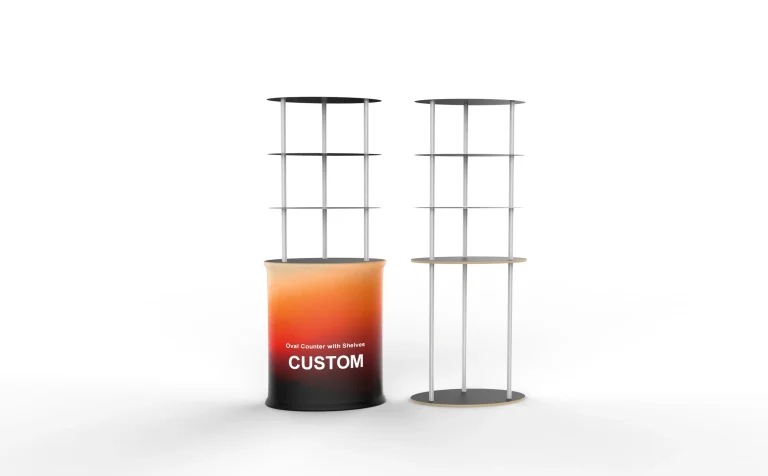
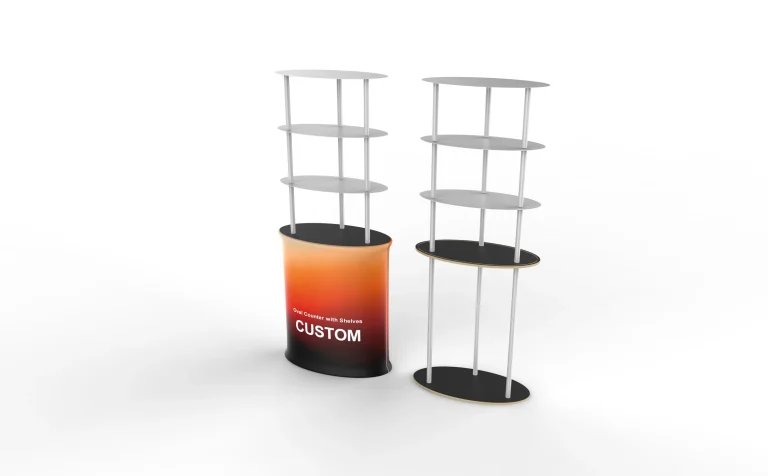
Rectangular Counter with Shelves
02 / Demonstration

Organized demonstration area

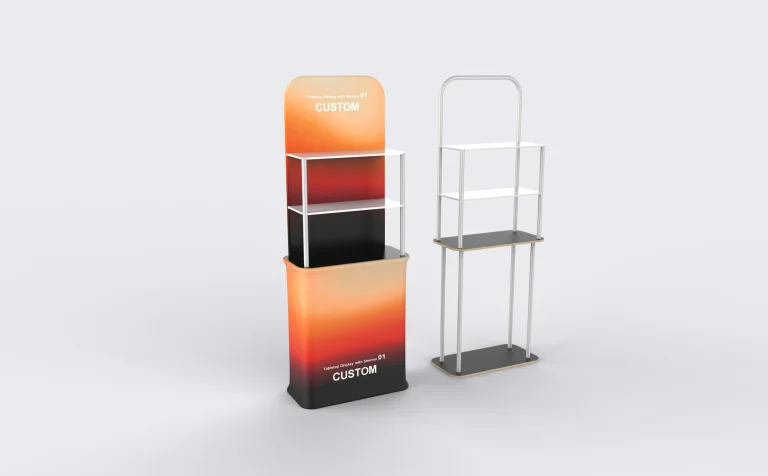
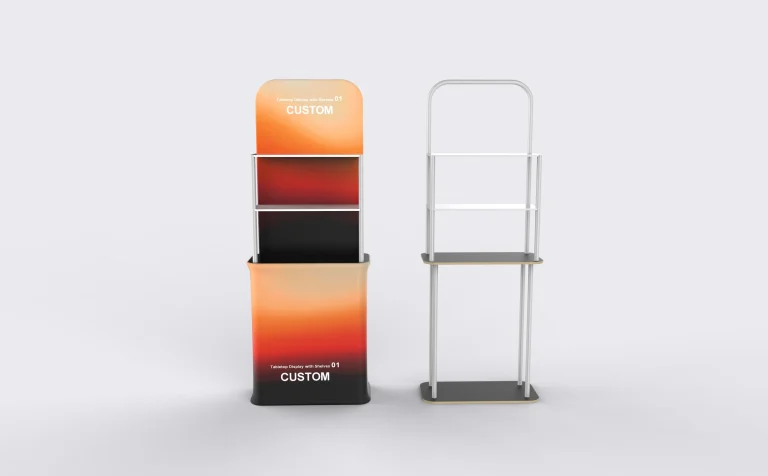
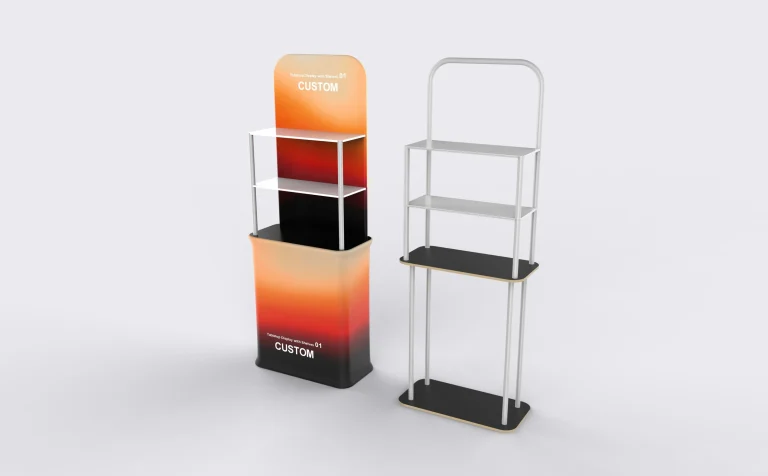
Review the Rectangular Counter with Shelves when separate storage levels are important to your layout.

View Rectangular Counter with Shelves

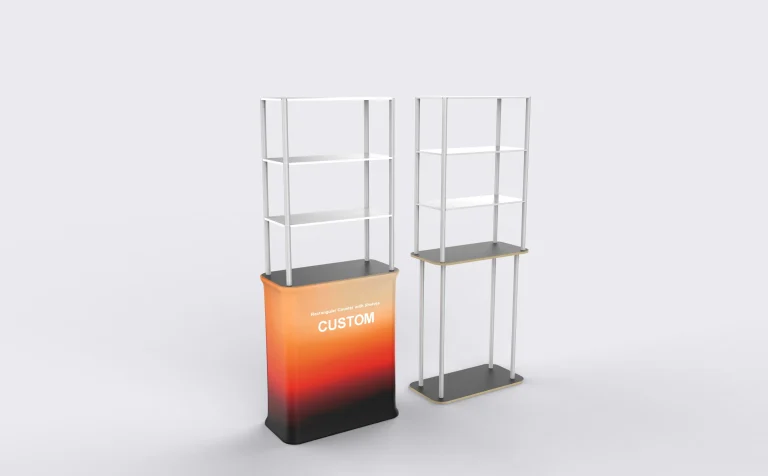
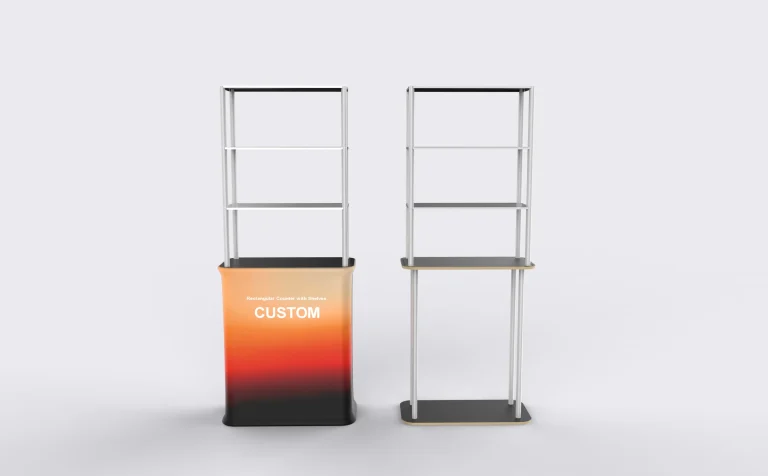
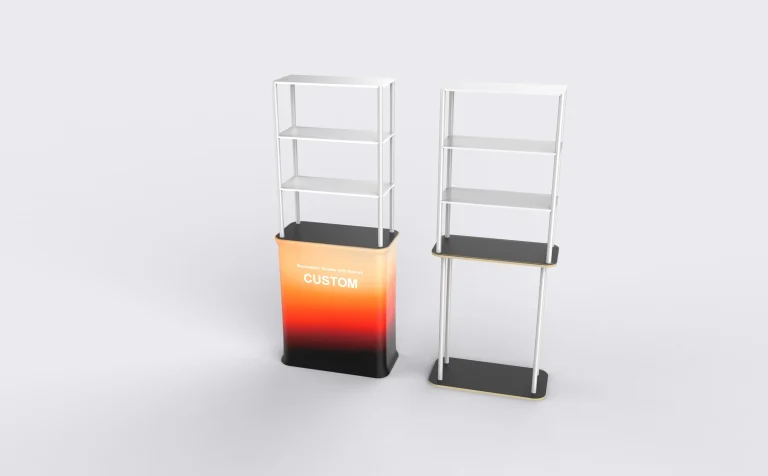
Rectangular counter: separate display from replenishment

The Rectangular Counter with Shelves can align its straight footprint with a booth edge. Decide which shelves visitors should see and which staff need to reach during a demonstration. For example, keep the demonstration sample on the worktop and replacement samples or literature on an accessible lower level. Check the depth with those items in position; a shelf that fits the item may still leave too little room to pick it up.

A registration desk and a sample station need different tops

Check the worktop with everything in use: an open laptop, paperwork and the demonstration sample. Measure the remaining clear surface, then confirm the permitted working load for the selected configuration. Keep the dimensions of the usable top separate from the counter’s overall width.

Keep access openings out of the artwork

Prepare both a visitor-side view and a staff-side view. Mark open shelf areas and rear access before laying out the graphic. The semicircular model needs a cover pattern that follows its curve; the rectangular model needs artwork that accounts for its shelf arrangement. For an accompanying table cover, measure the actual table separately—the counter dimensions are not a table-cover template.

Plan the working day

Build the counter around the task

Swipe the table to compare all details →

Primary taskWhat needs spaceWhat to check on the layout
Visitor check-inA laptop or tablet, badge materials and a clear writing area.Show the visitor approach and the staff position. Keep the check-in queue clear of the booth entrance.
Product demonstrationThe sample, packaging and the space needed to handle it.Draw the item in its working position, including any lid, cable or moving part. Leave a separate place for replenishment stock.
Literature handoutBrochure stacks, display holders and reserve copies.Check the height and depth of the actual holder, then show how staff will refill it without moving the counter.

Example: one counter, two activities

If a small booth needs both visitor registration and a product demonstration, first draw those two activities on the worktop. A laptop that fits on its own may leave too little room for a sample and a visitor’s paperwork. Decide whether the activities happen at different times or require separate surfaces.

Then trace the staff route to the lower shelves. If every refill requires walking through the visitor queue, rotate or reposition the counter on the plan. Use the resulting sketch to decide whether one counter is sufficient.

Turn your sketch into a clear counter brief

  • Working surface: list each item, its dimensions and its weight, including equipment used together.
  • Storage: separate items displayed to visitors from supplies accessed by staff.
  • Services: identify powered devices and the intended cable route; request any required opening explicitly.
  • Transport: confirm the selected packing option and packed dimensions against your vehicle or shipping plan.

Before you order

Frequently asked questions

Can I place a laptop or payment terminal on the counter?

Include its footprint, weight and power connection in the brief. Plan space for use as well as storage, and confirm the working load for the selected counter. A cable opening or equipment mount should be specified separately rather than assumed from a photograph.

How do I compare two counter quotations fairly?

Use the same worktop size, graphic coverage, shelf arrangement and packing requirement in both enquiries. Check which components are included and which are optional. A counter with a lower starting price may describe a different configuration.

Which model should I consider for brochures and demonstration stock?

Start with the Rectangular Counter with Shelves when accessible storage is part of the brief. Specify what each level needs to hold and which side staff must reach. The model name alone does not establish shelf dimensions or a load rating.

Is the semi-circle counter the same as a full round podium?

No. Its product description identifies a curved customer-facing outline with a defined open side. Confirm the straight-side width, curved depth and rear construction for the working arrangement you need.

What measurements make a counter enquiry useful?

Send the available floor width and depth, desired working height, equipment footprint and staff-access direction. Add dimensions and weights for anything placed on the top or shelves.

Can the same graphic file fit both counter shapes?

Do not reuse a print-ready file unchanged. The curve, panel boundaries and access openings differ. Adapt the design to the template for the exact counter and confirm the visible face on the proof.

Tell us which counter you are comparing, what will sit on its worktop and where staff need access.

Discuss this configuration with Milin Displays
滚动至顶部