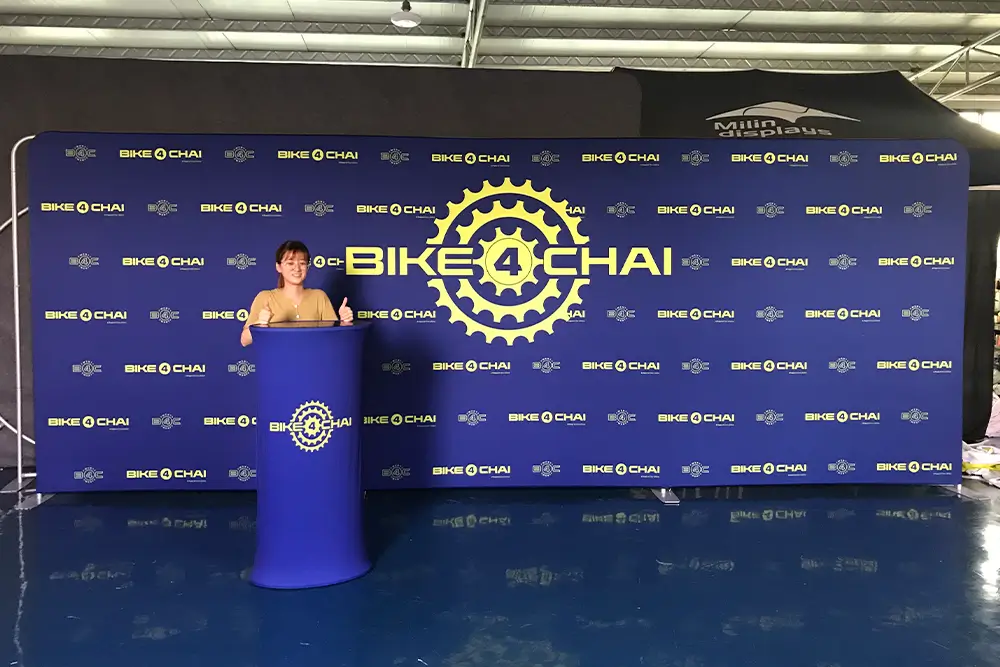
Conference
Displays
From the first welcome
to the main stage.
Coordinate stage backdrops, registration counters, sponsor walls and meeting zones across the conference room. Specify displays by programme area, not exhibition-booth size.
Custom dimensions and graphics. Production photos or video before dispatch.
Conference stage and backdrop · Milin website reference
A conference is more
than a stage backdrop.
Give each area the right visual role. Carry the same graphic family through arrival, presentations and conversations.
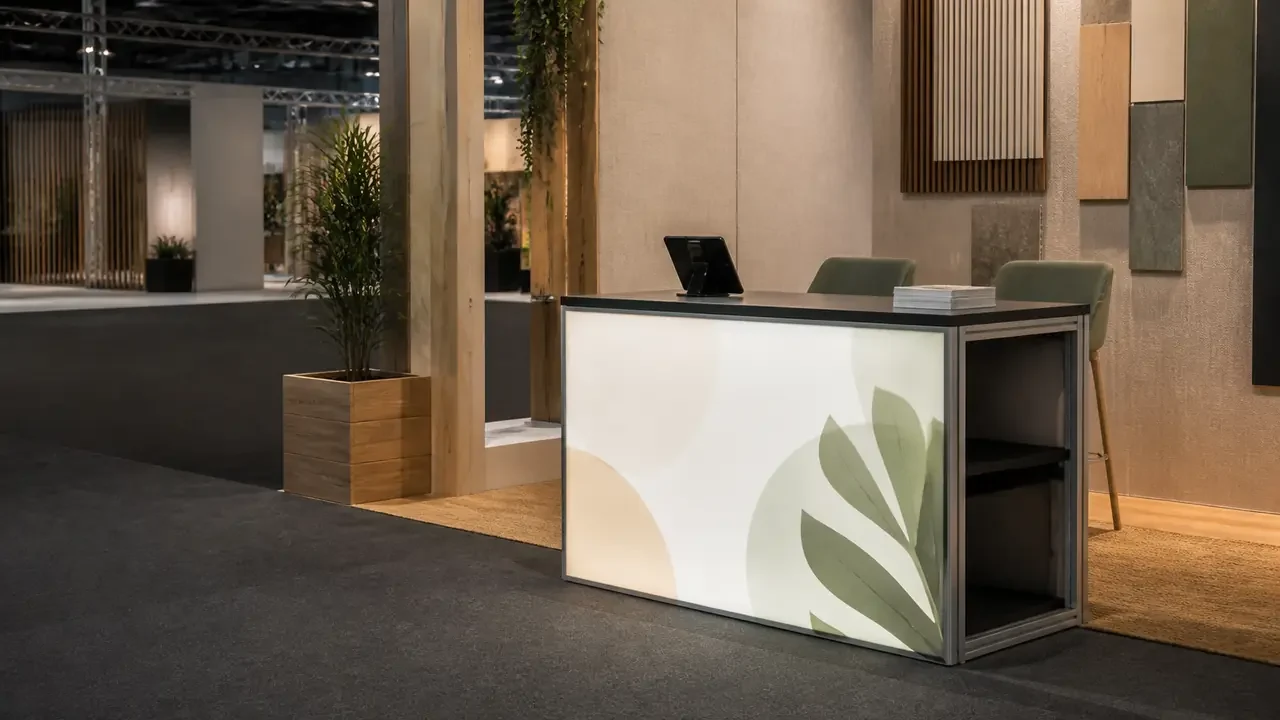
Welcome & registration
Specify counter width, staff positions and space for check-in equipment. Keep the queue separate from the entrance route.
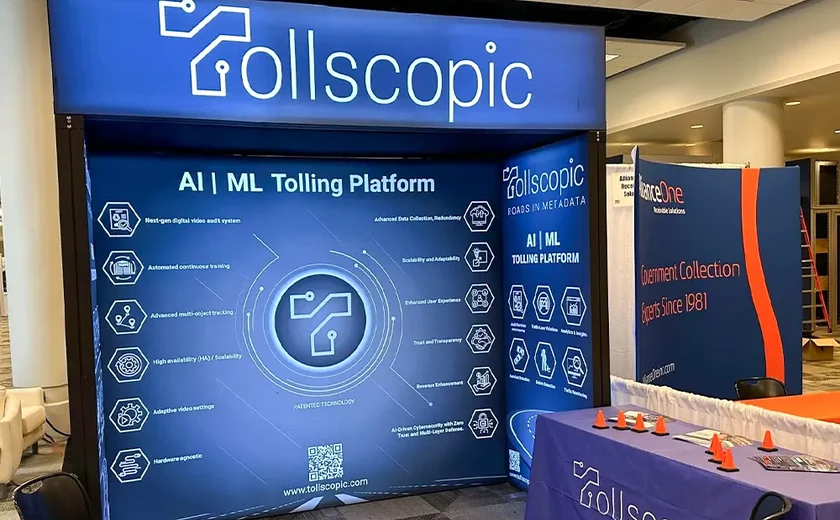
Sponsor & media walls
Agree the logo hierarchy, print area and camera framing. A sponsor change still needs an approved artwork version.
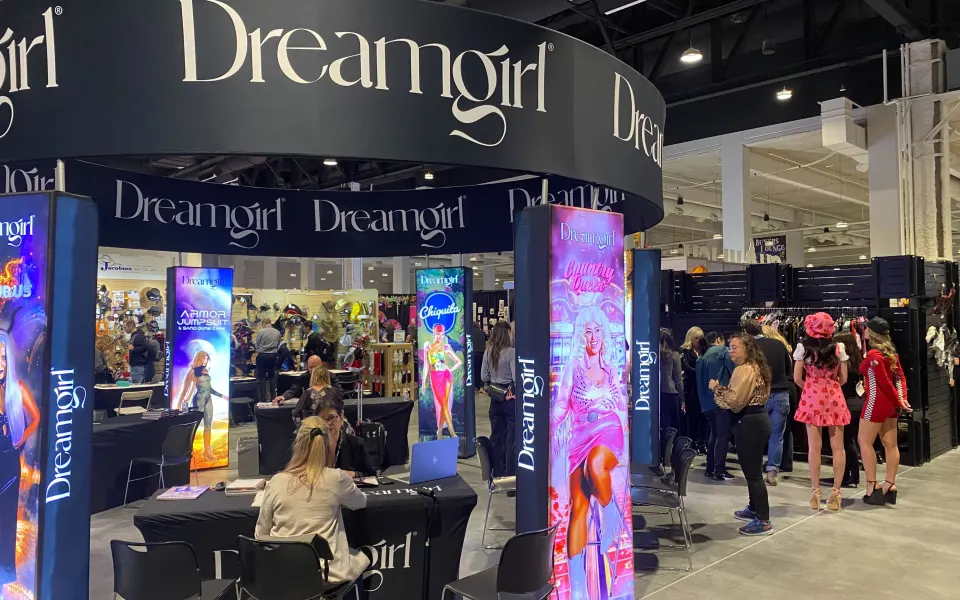
Breakouts & networking
Use graphic walls and defined meeting points to separate functions visually. Fabric dividers are not soundproof rooms.
Milin website display references. These images are not verified case studies for this application.
Let the room
decide the display.
Screen positions, ceiling height and service access can change the structure before the first artwork file is prepared.
Stage & cameras
Send screen dimensions, presenter positions and expected camera views. Keep important graphics clear of equipment and people.
Power & suspension
Identify outlets, cable routes, ceiling limits and approved rigging points. Do not assume hanging signs are permitted.
Arrival & load-in
Confirm delivery doors, lifts, setup windows, storage and the venue’s circulation requirements.
This is a zoning illustration, not a fire, accessibility, structural or rigging plan. The venue and relevant installers approve the final arrangement.
Specify the display.
Coordinate the interfaces.
Several systems can share the same visual language without sharing the same construction or installation method.
| Conference area | Display starting point | Details to approve |
|---|---|---|
| Keynote stage | SEG lightbox or non-lit fabric backwall. | Screen openings, installed width, reflections and sightlines. |
| Registration | Counter, welcome graphic and directional signs. | Worktop area, device cables, staff access and queue position. |
| Sponsors & partners | Printed logo wall or modular graphic panels. | Approved logo files, hierarchy, version lock and replacement panel plan. |
| Meeting zones | Fabric dividers, pods and small branded walls. | Entry width, furniture clearance, noise separation and venue approval. |
AV equipment, stage platforms, show lighting, local electrical work and rigging are separate scope decisions.
One event.
One approved graphic family.
Avoid last-minute mismatches by managing dimensions and sponsor files before production.
Collect the room
Floor plan, stage, screen, room heights and venue restrictions.
Set the zones
Backdrop, welcome point, sponsor wall and meeting areas.
Lock the files
Approve logo versions, printed sizes, seams and sightlines.
Plan the load-in
Agree labels, packing, instructions and the receiving team.
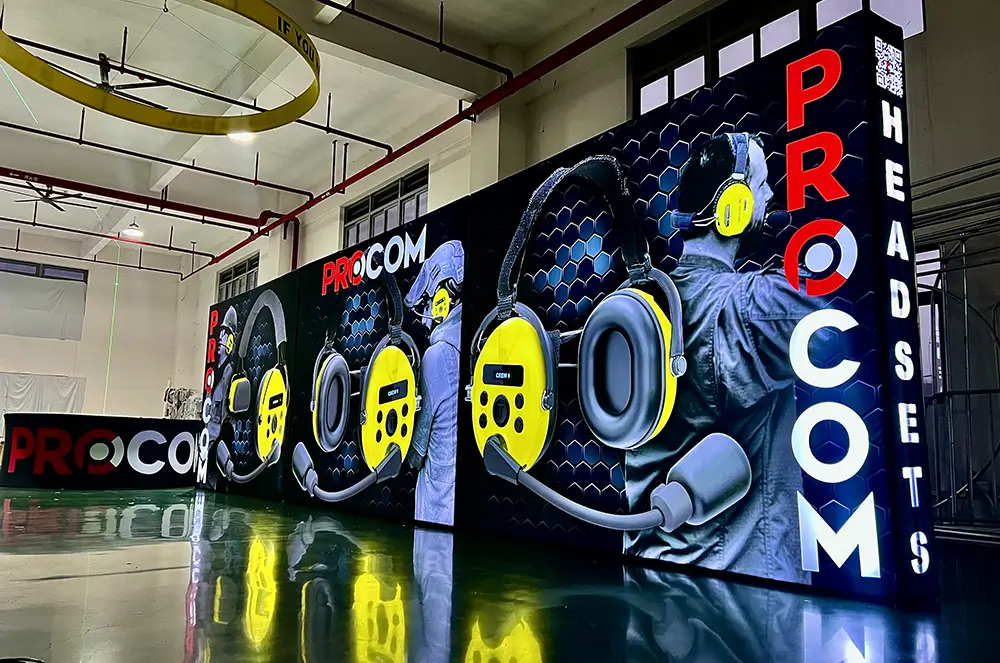
Ask for the assembly and packing information for the actual order. No universal crew size or setup time is implied.
The stage and sponsor file set.
Keep screen openings, sponsor artwork and zone labels in the same approval set before panels are released for production.
Stage
Screen + sightlineBackdrop sized around the screen, presenter and the planned camera views.
Sponsors
One logo gridA single hierarchy, minimum size and proof version before partner panels are printed.
Load-in
Zone labelsStage, registration and sponsor parts packed and identified separately.
AV equipment, stage decks, show lighting, rigging and local labour remain separate scope decisions. The venue approves suspension points and circulation.
RoHS record.
Check the model scope.
Summary of supplied certificate details, not an original scan. Match the listed models to your order and request the original document before tender use.
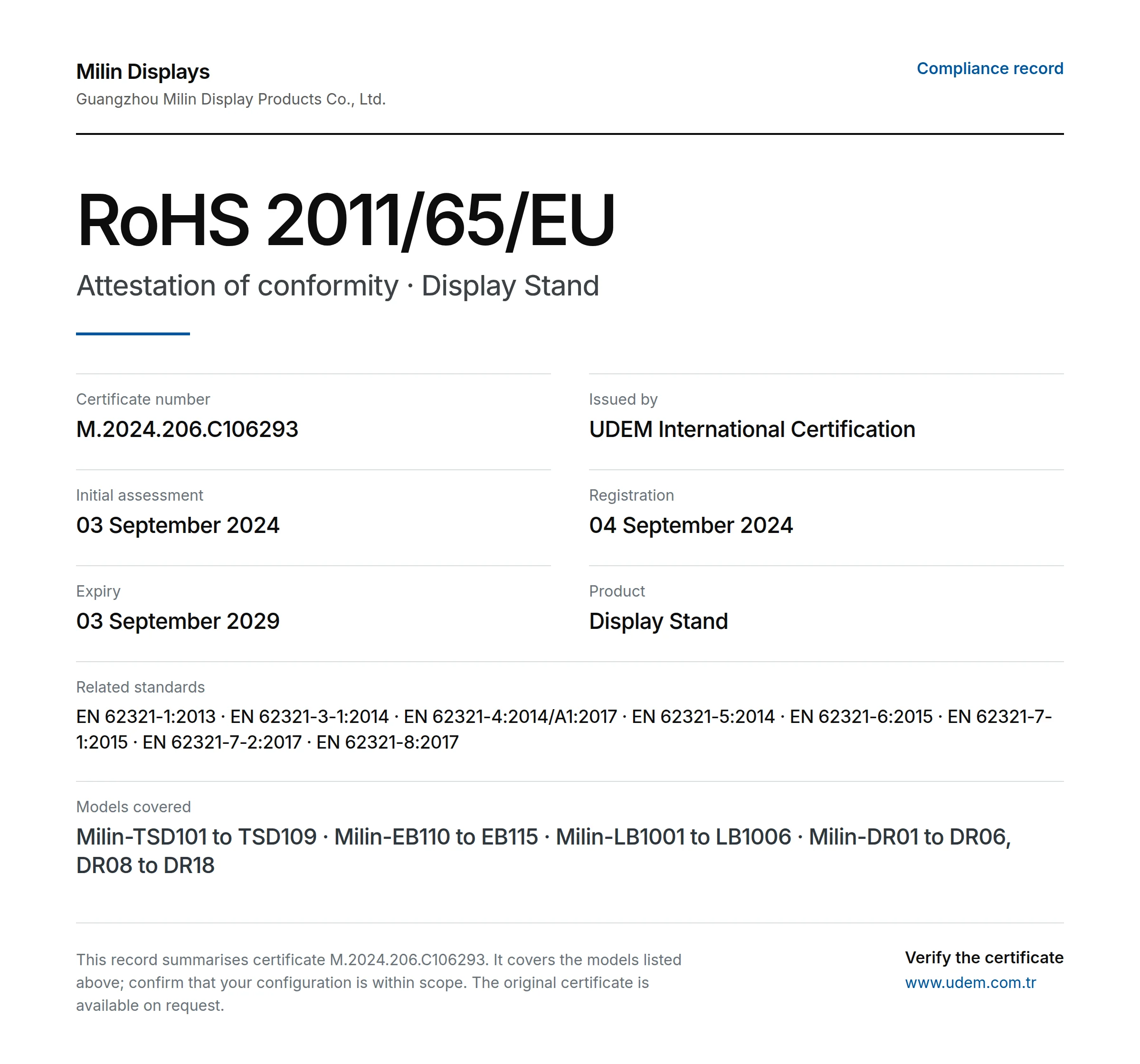
- Issuer
- UDEM International Certification
- Certificate
- M.2024.206.C106293
- Directive
- 2011/65/EU (RoHS)
- Product
- Display Stand
- Registered
- 04 September 2024
- Stated expiry
- 03 September 2029
Models in supplied record
Milin-TSD101 to TSD109 · Milin-EB110 to EB115 · Milin-LB1001 to LB1006 · Milin-DR01 to DR06, DR08 to DR18
Named holder: Guangzhou Milin Display Products Co., Ltd. Confirm its relationship to the quoted supplier and the ordered models. Current issuer status has not been independently verified here; RoHS does not establish fire performance or structural safety.
Other documents to request
ISO 9001
Request the current certificate, holder, issuer and scope. No original ISO 9001 certificate has been reviewed for this page.
CE-related documents
Ask which requirements apply to the selected product and market. RoHS details alone do not establish wider CE conformity.
Flame-retardancy records
Request the report for the actual fabric and finish. Check the test method and acceptance with the venue.
Check the build.
Not just the rendering.
Guangzhou Milin Displays Co., Ltd. describes an in-house workflow for frames, printed graphics and order checks. Ask to see the details relevant to your specification.
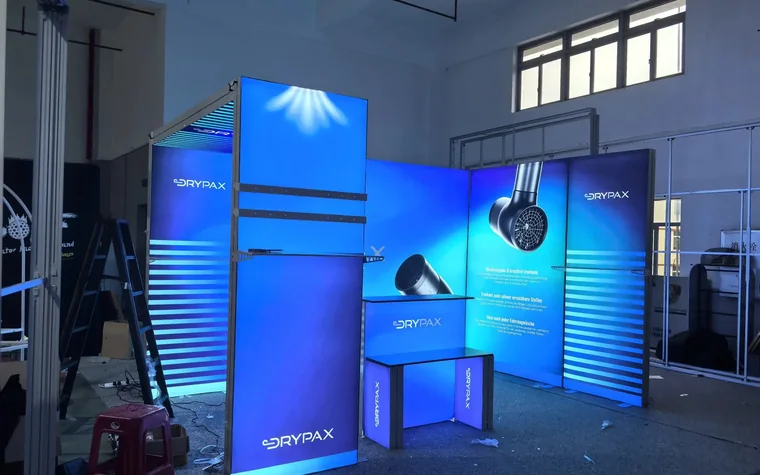
Check each programme area.
Ask for stage, registration and sponsor components to be identified by zone. Compare production views with screen openings, logo proofs and the room plan.
- Check presenter and screen clearances against the backdrop drawing.
- Match sponsor panels to the final approved logo revision.
- Identify registration parts and the receiving team on the packing list.
A useful quote.
A defined scope.
Price the stage, registration and sponsor zones separately. Compare display dimensions and graphic versions while keeping AV, stage platforms and hall services distinct.
Stage & room graphics
Backdrop sizes, printed faces and illuminated or non-lit construction.
Welcome & sponsor areas
Counter quantities, sign formats and logo-wall configuration.
Technical interfaces
Screen openings, mounts, power components and approved support details.
Load-in package
Zone identification, packing, freight and receiving conditions.
Display supply does not automatically include local installation, electrical work, rigging, permits, taxes or duties. Agree the scope and exclusions in writing.
Before you commit.
Resolve the practical questions before approving dimensions, artwork and the order.
Are screens and stage production included?
Do not assume so. Define display frames, screen equipment, AV content, stage platforms, lighting, rigging and local labour as separate items in the quotation.
Can sponsors change after the wall is ordered?
Replacement prints may be possible for compatible frames. New files must match the approved graphic size and finish, and revised artwork requires approval before printing.
Conference displays or an exhibition booth?
Use this brief for a stage, registration, sponsor graphics and breakout areas serving the conference programme. For an exhibitor stand, specify the allocated booth footprint and open sides under Trade Shows.
Do meeting pods provide privacy?
They define a meeting area visually. Fabric pods are not presented as soundproof or confidential rooms; plan noise and sensitive discussions with the venue.
Support after delivery
Keep the packaging and order reference. Send photos or video, the affected quantity and required installation date. Milin reviews missing parts, damage or production differences against the order; the remedy depends on the verified cause. Custom orders are normally non-returnable and no fixed warranty applies to every display. Read the support policy
Send us
the room.
Include the stage, the screen and the places guests need to find. We can discuss a coordinated display package from there.
Discuss my conference[email protected]Include with your enquiry
- Floor plan, stage and screen dimensions
- Conference date, load-in window and delivery city
- Registration, sponsor and meeting areas needed
- Logo files, equipment list and working budget