PRODUCT DETAILS
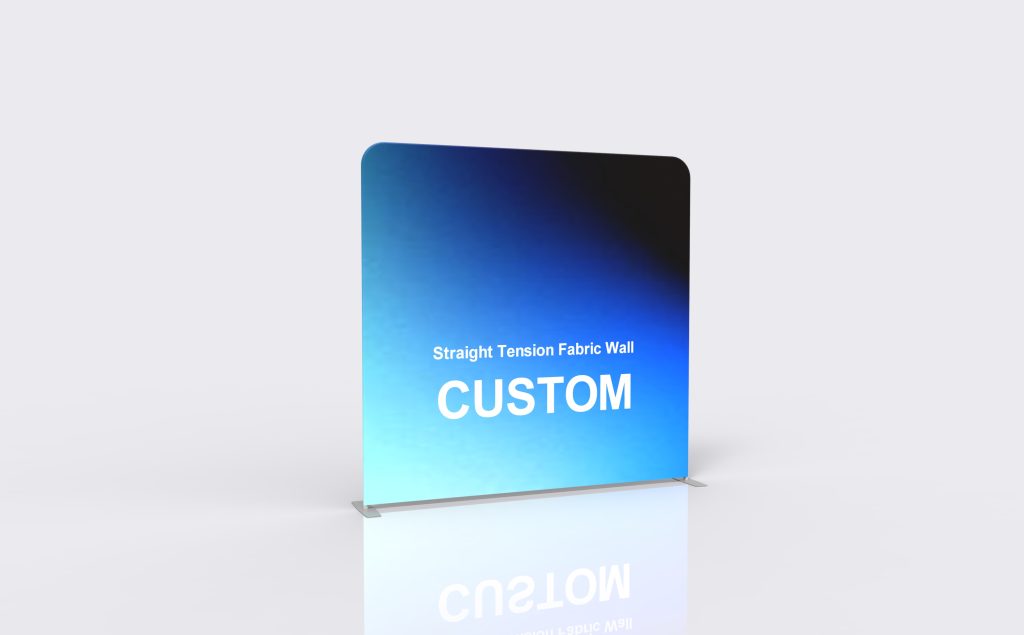
Straight Tension Fabric Wall
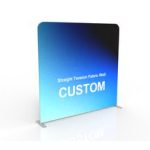
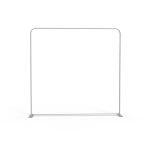
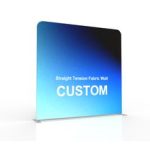
A straight fabric backwall keeps the message on one clean plane. This model is available in several catalog widths, from 240 cm to 600 cm, with custom sizing available. Gray-painted steel feet support the frame, and the graphic can be specified for one or both faces.
Specifications & configuration
| Product format | Tension-fabric backdrop |
|---|---|
| Graphic material | 260 g stretch warp-knitted fabric |
| Printing | Full-color heat-transfer printing |
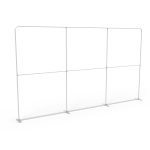
| Frame | 32 mm round aluminum tube; 1.2 mm wall thickness |
| Frame finish | Industrial sandblasted oxidation treatment in matte silver |
| Order type | Made to order; custom size and artwork |
| Size range — W × H | 240 × 231; 300 × 240; 400 × 240; 450 × 240; 500 × 240; 600 × 245 cm. Custom sizes available. |
| Print coverage | Single- or double-face graphic. |
| Support feet | Gray-painted steel foot plates. |
Product details
Form & footprint
The straight outline is easy to position along a booth boundary. Include the feet, not just the wall thickness, in the floor plan.
Graphic placement
A broad, uninterrupted front suits a headline, product image or sponsor layout. Double-face printing is useful when the rear remains exposed.
Suitable uses
Choose this form when you need a flat backdrop behind a counter, interview position or presentation area.
Order configuration
Select the width to suit the usable space. Catalog heights vary by size, so check the matching dimensions rather than assuming one height throughout.
Artwork & print
Artwork preparation
Build the artwork for the selected width and height. Keep small text out of the lower area if furniture will sit in front.
Included & optional
Included in this configuration
- White Back
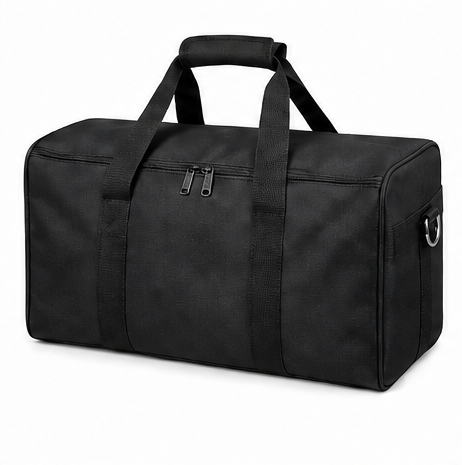
- Soft Bag
Optional accessories
- Frame Only
- Replacement Stretch-Fabric Graphic
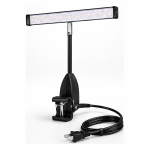
- LED Display Lights (2 pack)
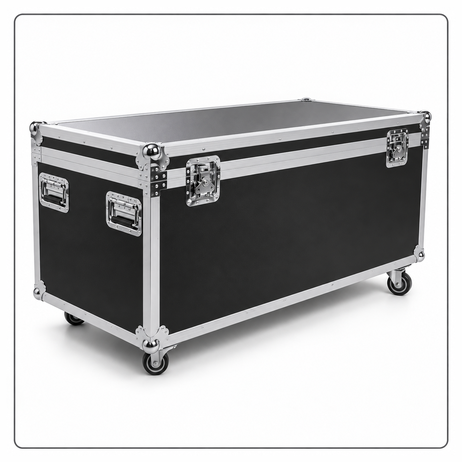
- Convertible Podium Case
- TV/Monitor Mount
Applications
Exhibition use
Use the wall as the rear graphic surface of an inline exhibition stand.
Photo settings
Create a flat photographic background for interviews or event portraits.
Reception & demonstrations
Place a temporary campaign message behind a retail demonstration counter.
Planning & ordering
Order essentials
Share the installation width, height limit and whether the back will be visible. These determine the frame size and graphic coverage.
- Finished dimensions and access requirements
- Artwork file and print orientation
- Selected components and packing requirements
Quotation checklist
- Quantity and preferred configuration
- Installation location and available space
- Any equipment dimensions or fit requirements
- Delivery destination and required date
Questions & answers
Can both sides be printed?
Yes. The product catalog lists single- and double-face graphics; specify the coverage with the size you need.
How should I prepare custom artwork?
For a printed configuration, use the template for the confirmed model and dimensions. Check the visible faces, edges and fitting areas before approval; a graphic from a similarly named product is not proof of a matching fit.
Does the reference image define everything included?
No. Have the quotation identify the product configuration, selected accessories and packing items individually. Reference images can show equipment or surrounding items that are not included in the order.
How should I plan production and delivery?
Production timing, dispatch arrangements and any assembly support should be confirmed for the selected configuration and destination. Share your delivery address and event date when requesting a quote.