MILIN / PRODUCT DETAILS
SEG · ILLUMINATED FABRIC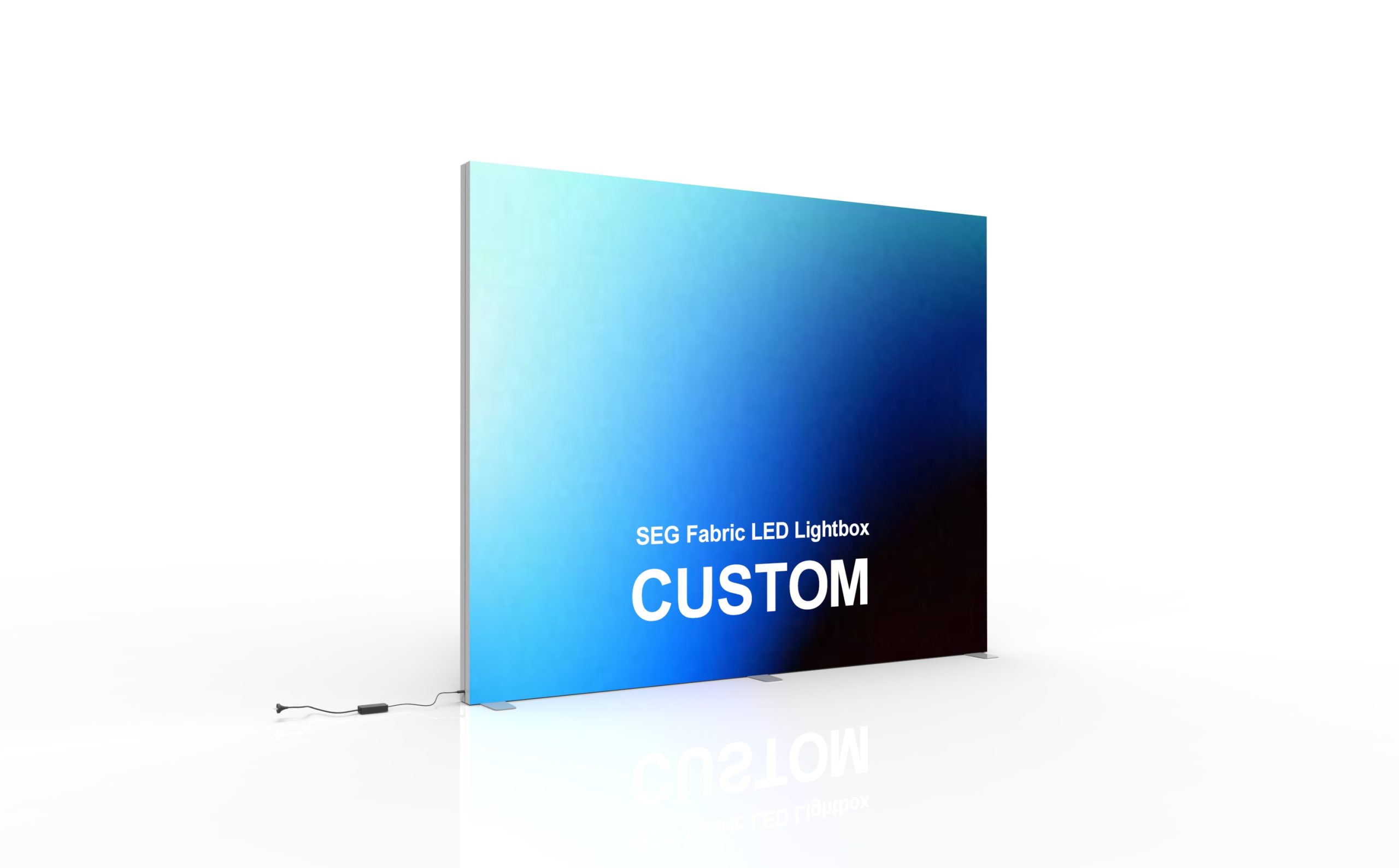
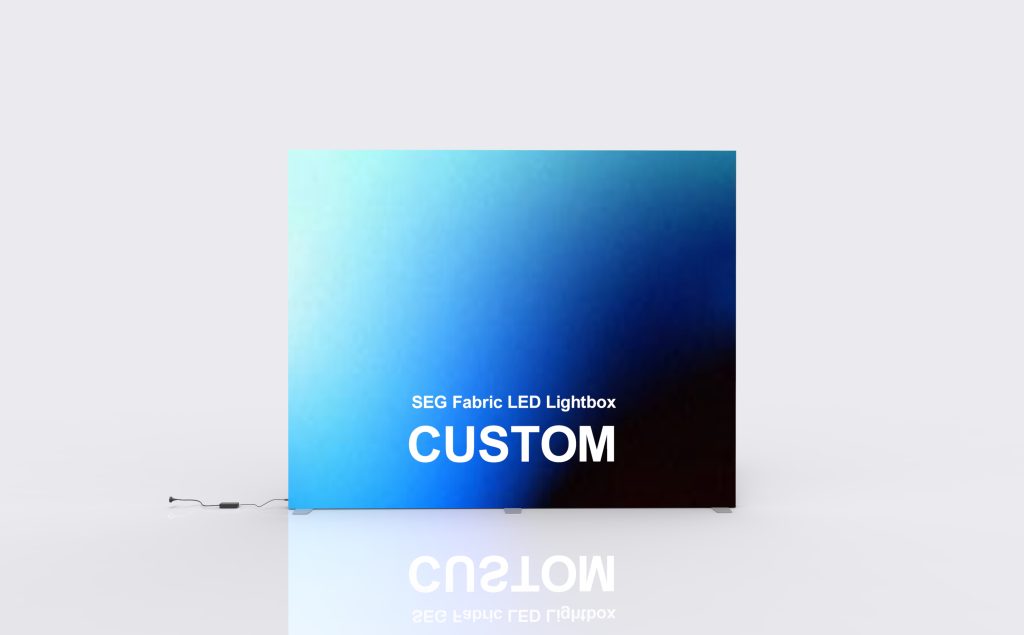
SEG FabricLED Lightboxwith Custom Printed Graphics
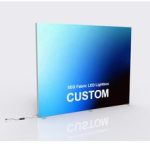
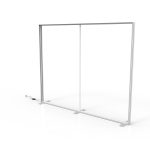
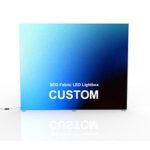
A custom-printed SEG fabric lightbox with a 12 cm aluminum profile, 2.0 mm wall thickness and LED strips fitted into the frame channels. Choose the display dimensions and single- or double-sided graphics to suit your booth, retail space or showroom.
Match the lightbox to your available space
| Size option | Width × height | Layout consideration |
|---|---|---|
| 10ft | 300 × 240 cm | The narrowest selectable option. Check the 300 cm width against the clear rear-wall space after allowing for adjacent displays. |
| 15ft | 450 × 240 cm | Provides 150 cm more graphic width than the 10ft option at the same listed height. Allow for furniture and access routes in front of the display. |
| 20ft | 600 × 240 cm | The widest selectable option. Check the complete 600 cm span, venue height limit and the planned position of counters or screens before preparing artwork. |
Use the centimeter dimensions for layout
The feet-based names are option labels. Plan the installation using the listed width and height; they do not include the floor depth occupied by feet, supports and cable connections.
Separate the frame from the floor footprint
The 12 cm aluminum profile is not the complete installed depth. Put the frame, supports, cable route and nearby furniture on the same layout before choosing a size. The reference dimensions above also include formats outside the three selectable options.
Single-sided or double-sided graphics?
SINGLE SIDED
One main viewing direction
Consider this option when the graphic faces the main aisle and the rear is not used for a customer-facing message. Position the logo and main offer above counters or demonstration equipment.
- Plan one customer-facing artwork layout.
- Check whether the rear remains visible from neighboring aisles.
- Specify the rear finish if it is exposed.
DOUBLE SIDED
Visitors approach from both faces
Consider this option when people can walk around the display or view it from opposite directions. Decide the message and viewing orientation for each face before approving the print files.
- Identify front and rear artwork separately.
- Keep each face readable from its approach direction.
- Confirm the illuminated faces and cable position for the selected configuration.
Specifications & configuration
| Product format | Illuminated seg display |
|---|---|
| Graphic system | Custom-printed SEG textile with silicone edge |
| Frame | Industrial aluminum-profile structure |
| Lighting | Integrated LED modules or edge lighting according to the approved design |
| Finish | Matte silver anodized appearance |
| Electrical | Voltage, plug and power configuration confirmed for the destination |
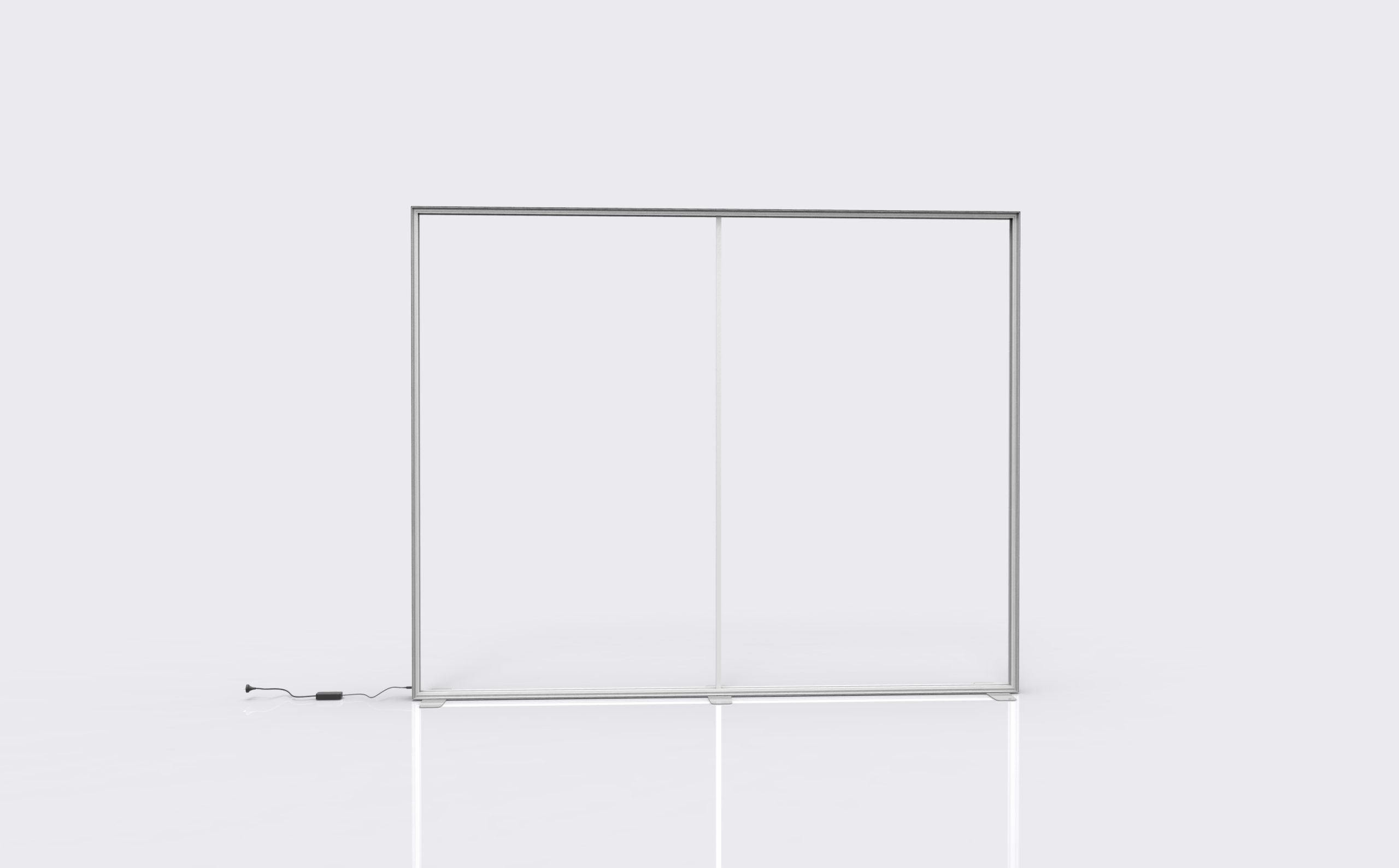
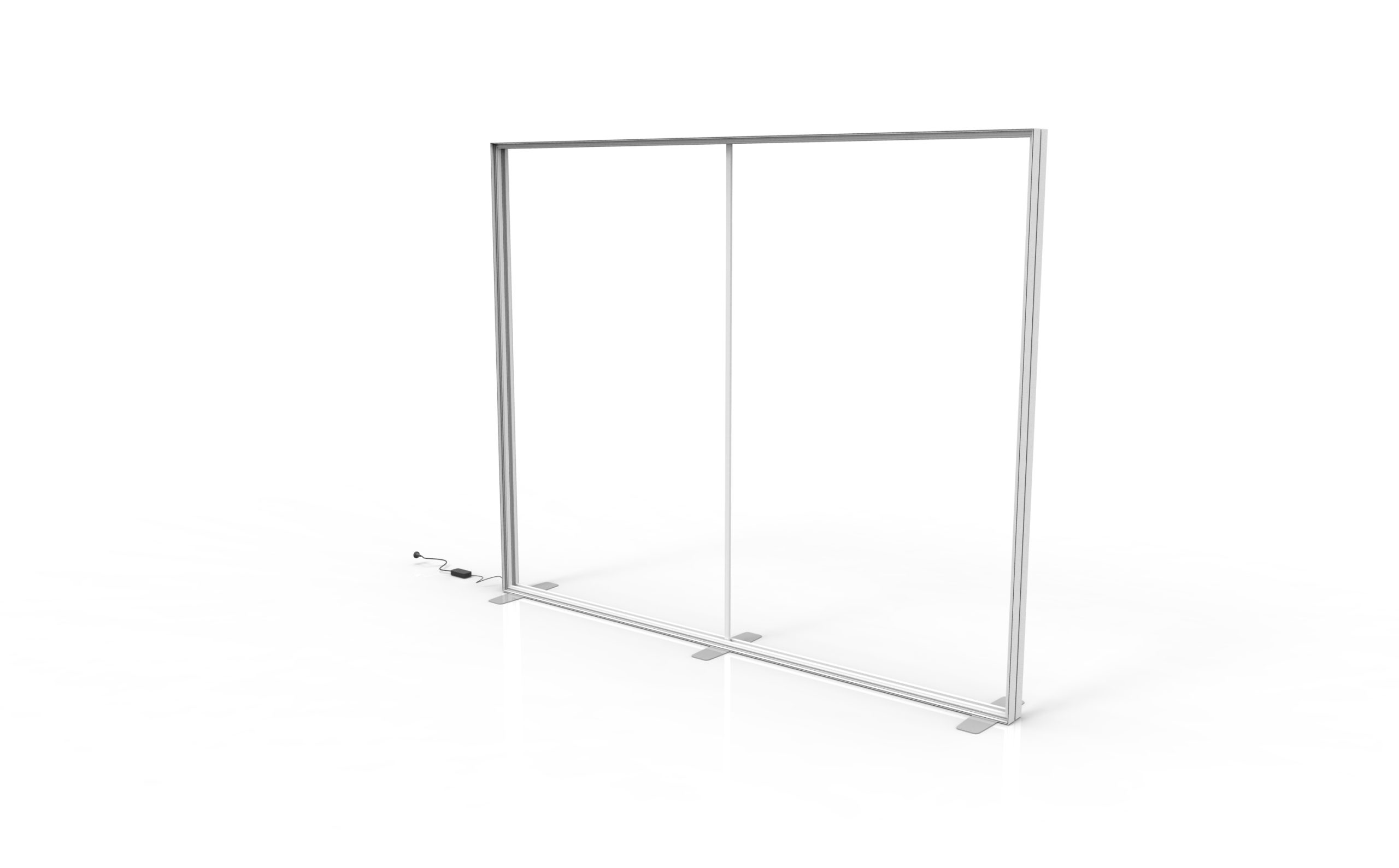
| Aluminum profile | 12 cm wide; 2.0 mm wall thickness. |
| Reference sizes — W × H | 150 × 240; 200 × 300; 240 × 240; 300 × 240; 300 × 300; 400 × 240; 500 × 300; 600 × 300 cm. Larger custom sizes available. |
| Light placement | LED strips fitted into the aluminum frame channels. |
Artwork & print
Prepare artwork for backlit viewing
Use the approved template for the ordered size and preserve its bleed and safe area. Important text should stay clear of the frame edge. For color-critical work, review a sample on the intended fabric under the intended lighting. Read the SEG artwork preparation guide before exporting your production file.
Check these details before artwork approval
- Frame match: identify the ordered dimensions and use the matching SEG template, including the silicone-edge fitting area.
- Visible message: keep logos and key text inside the template’s safe area and above any furniture that will cover the graphic.
- Face identification: label front and rear files clearly for a double-sided configuration, including the intended orientation.
- Backlit color review: assess critical colors on the intended fabric under the intended lighting; a screen preview alone does not show the illuminated print.
Keep the approved template and artwork file for later graphic requests. Match the existing frame dimensions and edge specification before preparing a replacement; a zippered fabric sleeve is a different fitting system.
Configure your SEG fabric LED lightbox
Choose the size, printed sides, transport case and accessories in the product selector above. The configuration choices are listed below so you can prepare a precise request.
| Configuration | Available choices | Selection guidance |
|---|---|---|
| Size | 10ft — 300 × 240 cm 15ft — 450 × 240 cm 20ft — 600 × 240 cm | Use the listed dimensions and the available installation space. |
| Print Options | Single Sided Double Sided | Match the number of printed faces to the viewing directions. |
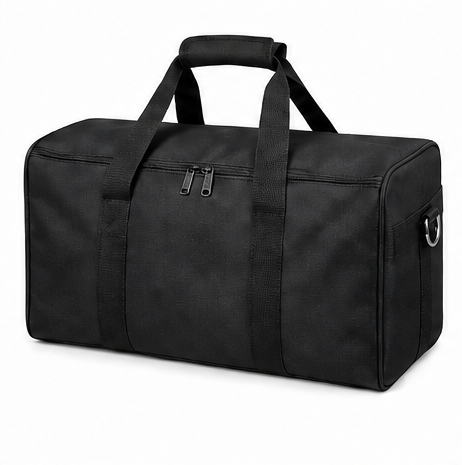
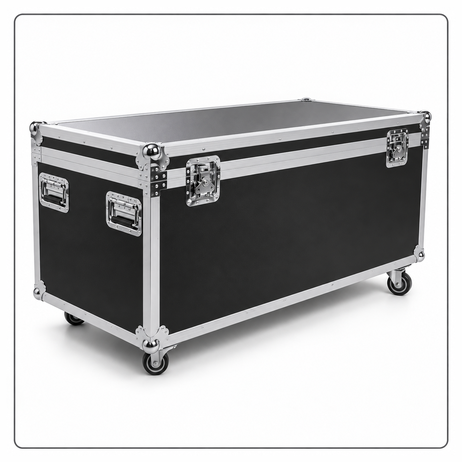
| Transport Case | Oxford Fabric Carry Bag Flight Case | Choose the packing option for the way you plan to transport the display. |
| Popular Add-ons | Spotlight Repair Kit Shelf | Select the accessories needed for your display. Optional accessories are quoted separately. |
The product page initially selects 10ft, Single Sided and Oxford Fabric Carry Bag. Your final request follows the options you select; the add-ons are optional.
Plan the graphic around its setting
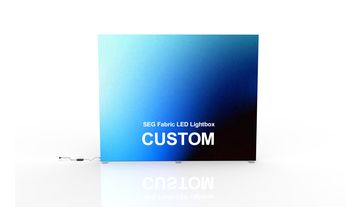
Exhibition rear wall
Place the main brand message above the counter or demonstration position so furniture does not cover it. Show the lightbox and cable route on the booth plan.
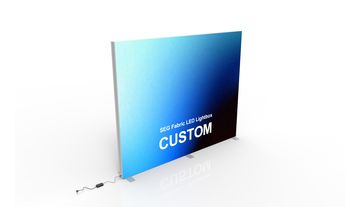
Retail campaign changes
Keep a record of the frame dimensions and graphic template when planning replacement campaigns. Confirm whether a new print uses the same fabric and edge construction as the existing panel.
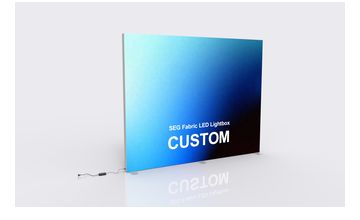
Showroom product backdrop
Choose a graphic that supports the displayed product rather than competing with its labels. Check reflections and viewing angles from the normal customer position.
Configuration checklist
Order essentials
For a useful quotation, specify the finished width and height, printed sides and installation position. Distinguish the fabric graphic, frame, LED components, supports and packing so you can compare complete configurations.
- Required outside width and height, plus available floor depth
- Single- or double-sided artwork and visible rear surfaces
- Power outlet position, destination voltage and plug
Quotation checklist
- Selected lightbox configuration and any separate graphic requirement
- Approved support or mounting arrangement
- Lighting components and accessories to include
- Quantity, delivery address and required arrival date
Product questions
What does SEG mean on this lightbox?
SEG stands for silicone-edge graphic. A silicone strip along the fabric edge fits into the frame channel. The print must match the frame dimensions and fitting specification.
Is the 12 cm profile the complete floor depth?
No. The profile dimension describes the frame section. Feet, supports, cable connections or mounting clearances can add to the space required. Request the assembled drawing for the selected configuration.
Should I choose a single- or double-sided graphic?
Use the viewing positions to decide. A wall-facing rear may not need printed content, while a freestanding display seen from both directions may benefit from two printed faces. Confirm the lighting and graphic coverage included in each option.
Can I change the graphic later?
For a replacement graphic request, provide the existing frame dimensions and original template. Check the silicone-edge specification and print orientation; a fabric panel made for a similar-looking frame is not necessarily compatible.
Are all accessories included automatically?
No. Select the required print option, transport case and add-ons in the product selector. Spotlight, Repair Kit and Shelf are optional additions, and the page states that optional accessories are quoted separately.