PRODUCT DETAILS
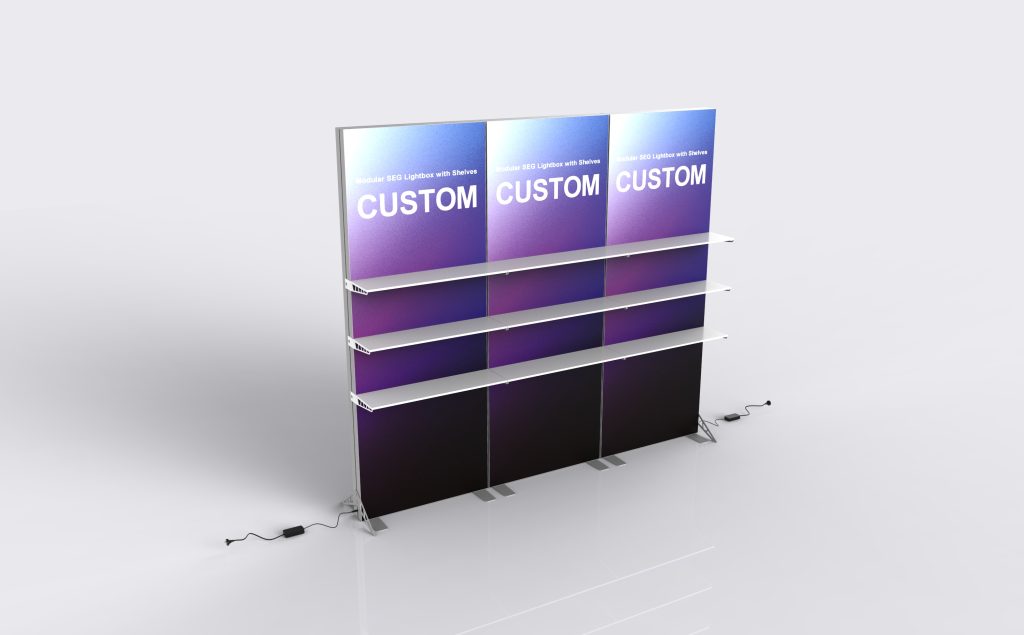
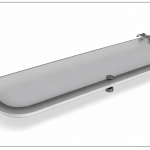
Modular SEG Lightbox with Shelves
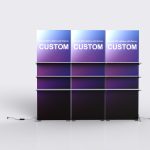
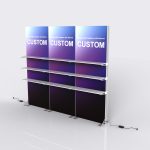
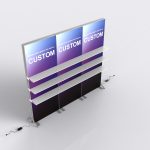
Modular SEG Lightbox with Shelves extends the illuminated product-display idea across a module arrangement. The panel divisions, shelf locations and electrical routing need to work together. Define the merchandise layout and overall footprint before dividing the graphic into separate SEG faces.
Specifications & configuration
| Product format | Illuminated seg display |
|---|---|
| Configuration basis | Finished dimensions and interfaces are taken from the approved order drawing |
| Artwork planning | Graphic direction follows the confirmed visible faces and openings |
Product details
Form & footprint
Check the assembled modules with shelves and products in place, including access between display areas.
Graphic placement
Coordinate the graphic across module boundaries while keeping key content clear of shelving.
Suitable uses
Use it to organize a product range within a larger illuminated presentation.
Order configuration
Confirm which modules carry shelves and the load requirements for each one.
Artwork & print
Artwork preparation
Number the modules and include shelf overlays on every affected print proof.
Included & optional
Included in this configuration
- Single-Sided SEG Graphic
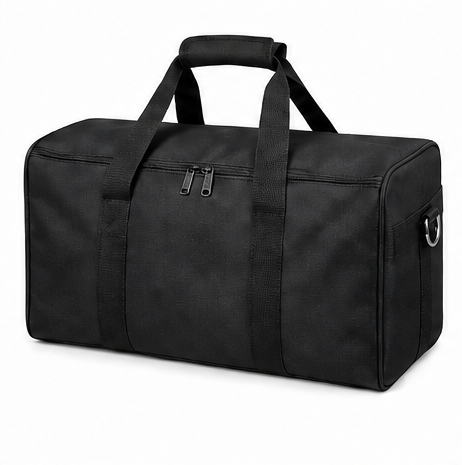
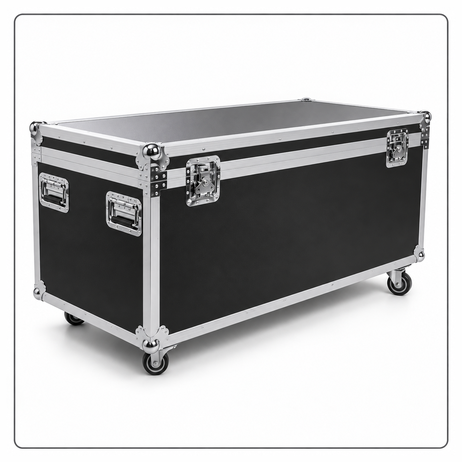
- Protective Packing
Optional accessories
- Frame Only
- Replacement SEG Fabric Graphic
- LED Module and Power Supply Set
- Shelf Kit
- TV/Monitor Mount
Applications
Product presentation
Build a multi-module merchandise presentation.
Display applications
Separate product groups across illuminated display faces.
Product presentation
Coordinate a larger branded sample wall for an exhibition.
Planning & ordering
Order essentials
Provide the module plan, product list with weights and preferred shelf arrangement for a complete configuration review.
- Finished dimensions and access requirements
- Artwork file and print orientation
- Selected components and packing requirements
Quotation checklist
- Quantity and preferred configuration
- Installation location and available space
- Any equipment dimensions or fit requirements
- Delivery destination and required date
Questions & answers
Does every module have shelves?
That depends on the chosen configuration. Identify the shelf-bearing modules and their fittings explicitly in the quotation.
How should I prepare custom artwork?
For a printed configuration, use the template for the confirmed model and dimensions. Check the visible faces, edges and fitting areas before approval; a graphic from a similarly named product is not proof of a matching fit.
Does the reference image define everything included?
No. Have the quotation identify the product configuration, selected accessories and packing items individually. Reference images can show equipment or surrounding items that are not included in the order.
How should I plan production and delivery?
After production, Milin sends photos and video of the completed order for confirmation before dispatch. Include your delivery address and event date when requesting a schedule: manufacturing and transport are separate stages. Video installation guidance is available if you need help assembling the display.