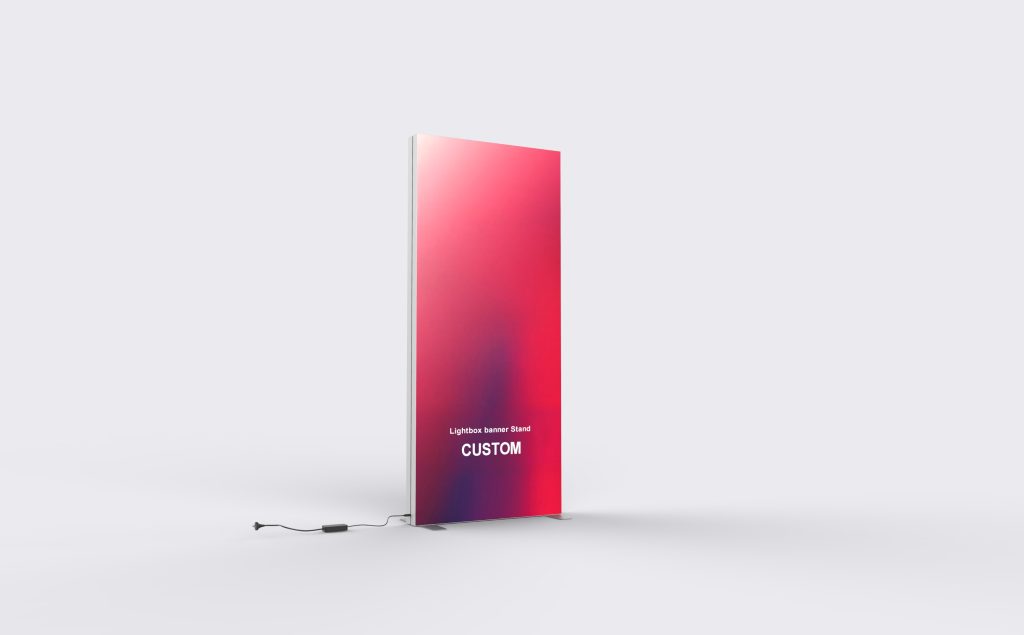
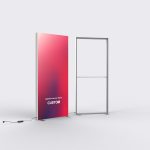
Double-Layer Tension Fabric Banner Stand
Use the Double-Layer Tension Fabric Banner Stand for a focused product message beside a display or reception point. Plan one clear headline, a principal image and the action visitors should take; position them above any counter that will hide the lower graphic.
Configure your display
Decide whether you need a new display or a graphic for a frame already in use. A replacement order needs the existing frame reference and fitting details; a new set needs its frame, graphic and packing identified together.
| Frame Only | Choose this option when ordering the structure separately. |
|---|---|
| Replacement Fabric Graphic | For updating artwork on a compatible existing frame. |
| White Back | The listing uses the name White Back. Identify the required rear finish in the order. |
| Soft Bag | Soft Bag is listed for this product. Check the packing required for the selected set. |
| LED Display Lights (2 pack) | Lighting accessory option. Specify the required lighting arrangement. |
| TV/Monitor Mount | Screen accessory option, subject to compatibility with the selected frame and screen. |
Prepare artwork that reads at the stand
Start with the correct template
Request the template for the selected frame and size before laying out the graphic. Follow its safe-area and finishing guides. Keep logos, phone numbers and QR codes away from seams and edges.
Design for the visitor approach
Use one clear headline and a product image that is legible from the aisle. Put detailed copy where people can step closer to read it. If the stand sits behind furniture, keep important content above the obstruction.
Review the print file
Check image quality at the intended print size and supply vector logos where available. Identify the viewing faces, spelling and any brand-color reference when reviewing the proof. Keep a copy of the approved file for future graphic orders.
Fit the stand to its location
Measure the available width and height, then allow floor space for the assembled display and its supports. Place the base outside the main walking route and leave access for installation.
For an open-sided location, mark the visitor approach on a simple floor sketch and indicate the faces that need artwork. For a display against a wall, concentrate the message on the visible face.
If you need lighting or a monitor, include the equipment requirements before the frame configuration is agreed. The accessory name alone does not establish a screen load rating, an electrical specification or what is included in the base price.
Artwork, replacements and accessories
Does “double-layer” mean both sides are printed?
For artwork on both viewing sides, request a graphic for each side and label the files by the direction visitors approach. Check that both printed faces are listed in the quotation. The words “double-layer” alone are not a print-coverage specification.
Can I order a new graphic for a frame I already own?
Replacement Fabric Graphic is an available option. Send the original order reference and a photo of the assembled frame. Include its dimensions and the graphic attachment details; matching the front width alone is not enough to establish a fit.
What should I send for artwork preparation?
Send your logo, campaign text and original image files, together with the selected display size. Use the template supplied for that configuration. Keep essential text inside its safe area and check the artwork at its intended display size before approval.
How should I order lighting?
Include your lighting requirement in the quote request. The listed LED Display Lights (2 pack) option does not by itself establish that internal illumination or a power supply is included. Ask for the lighting components and electrical requirements to be itemized with your selected configuration.
Can the stand carry a monitor?
TV/Monitor Mount is a listed option. Send the screen model, weight and mounting-hole pattern before ordering so the mount and supporting arrangement can be checked. Do not attach a screen to the fabric or an unapproved frame connection.
How much space should I leave around the stand?
Allow for the assembled frame and the full support footprint, rather than the graphic width alone. Keep the base clear of walkways. If the display sits behind a counter, position the headline and key product image above the part the counter will hide.