PRODUCT DETAILS
Custom Fabric Display Stand
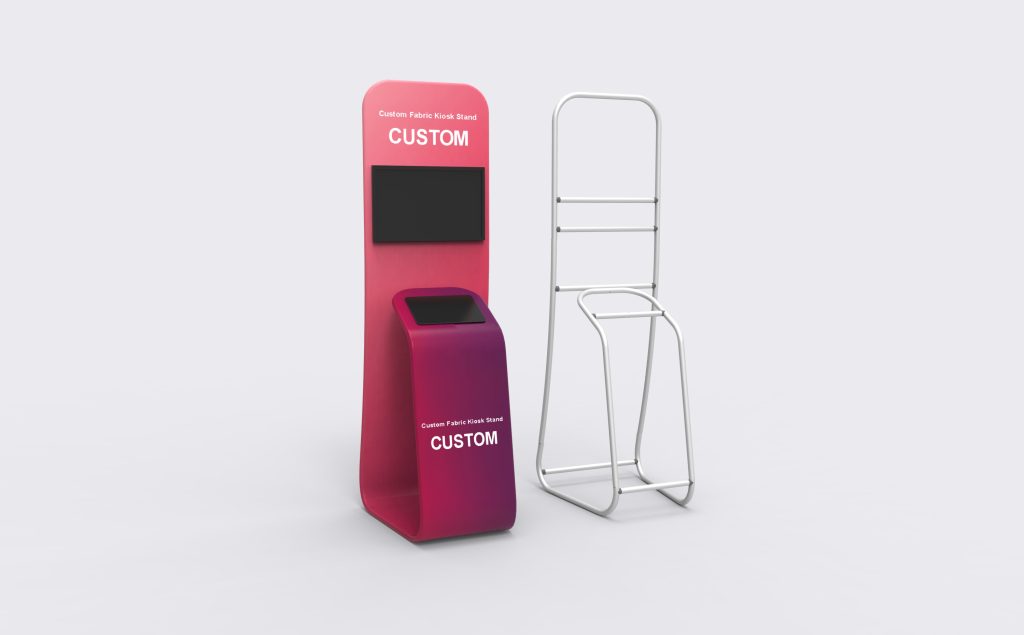
Custom Fabric Display Stand combines two illustrated device positions within a branded kiosk body: an upper screen area and a lower inclined station. The equipment layout should drive the frame dimensions. Specify both devices and their use so mounting, reach, retention and cable access can be reviewed together.
Specifications & configuration
| Format | Freestanding custom fabric kiosk with two illustrated device positions. |
|---|---|
| Size selections | 5ft and 8ft options are listed. Overall dimensions and footprint are agreed for the selected build; custom frame dimensions are available. |
| Equipment layout | Upper screen area and a lower inclined device station. Mounting, device retention and access are specified around your equipment. |
| Graphic | Custom printed artwork. A Replacement Fabric Graphic option is listed for future artwork changes. |
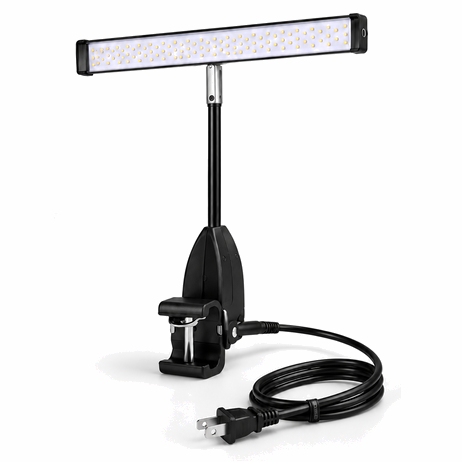
| Component selections | Frame Only; Replacement Fabric Graphic; LED Display Lights (2 pack); TV/Monitor Mount. These are separate selections, not an automatic bundle. |
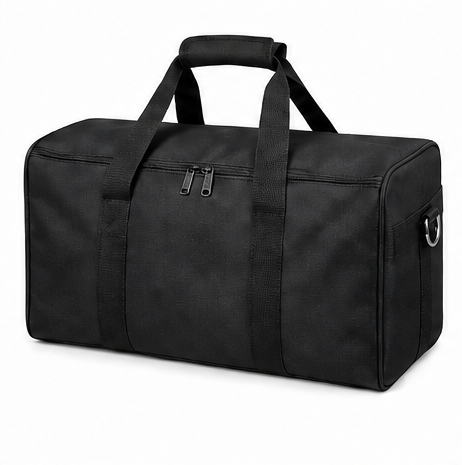
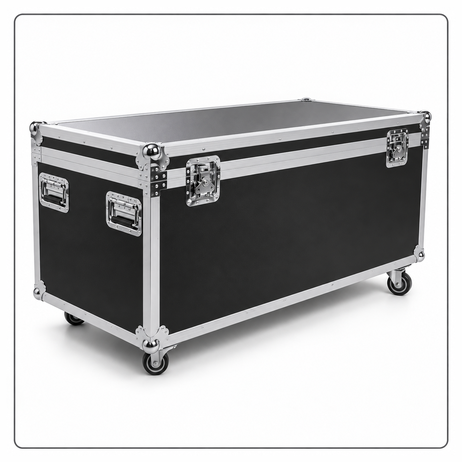
| Transport | Soft Bag is marked as included in the current configuration; Hard Case is an optional selection. |
| Minimum order | 1 set, including a custom design. |
Product details
Frame and footprint
Check user reach at the lower station and viewing height at the upper screen, with enough approach space around the base.
Specify both devices separately: dimensions, weight, mounting or retention method, and the ports that must stay accessible. That lets the upper screen position and lower inclined station be fitted to the actual equipment.
Printed identity
Keep the printed message visible between and around the device positions without covering controls or access points.
Use it for a coordinated digital presentation where viewing and interaction need separate positions.
Artwork & print
Let the header do the introduction
Keep the main identity above the upper screen. A short headline leaves more breathing room than a paragraph and is less likely to disappear behind the equipment.
Keep prompts close to the task
Place a brief instruction near the lower device, where a visitor is about to use it. Avoid putting essential text on the curved side faces or underneath the projecting surface.
Use the final equipment outline
Prepare the production artwork against the agreed frame and device layout. Include the actual screen outline and any openings so important lettering does not cross them.
Make a consistent pair
Coordinate the on-screen visuals with the printed colours. The print can identify the brand and the device content can carry the changing information, without both repeating the same long message.
Planning & ordering
Bring both device specifications.
Provide both device models, dimensions and weights, intended orientation and cable or charging requirements for the custom layout.
Images are design renderings, not a statement that electronics are supplied. Confirm the load limits and mounting arrangement before installing devices.
- Upper device: model, dimensions, weight and mounting pattern.
- Lower device: dimensions, orientation, connections and how it will be secured.
- Visitors: operating height, approach space and access needs.
- Site: available footprint, power position and intended cable route.
Questions & answers
Does this include a screen, tablet or software?
The pictured devices illustrate the layout. Confirm any electronics, mounting parts and software separately on the itemised quotation. A TV/Monitor Mount selection does not itself include a screen or establish compatibility with every model.
Can the lower station be changed for my device?
Milin makes frame dimensions to order. Send the device size, weight, orientation and intended use with your enquiry so the lower support and access requirements can be reviewed as part of the custom design.
Can I update the printed graphic later?
A replacement fabric graphic is listed for this product. Keep the original order reference and approved dimensions; they help match new artwork to the existing frame, including the equipment positions.
What happens after I approve the design?
Milin gives a usual production estimate of around eight days after design confirmation, with timing dependent on the order and shipping additional. Photos and video of the finished order are sent for your confirmation before dispatch. Video assembly guidance is available when setting up the kiosk.